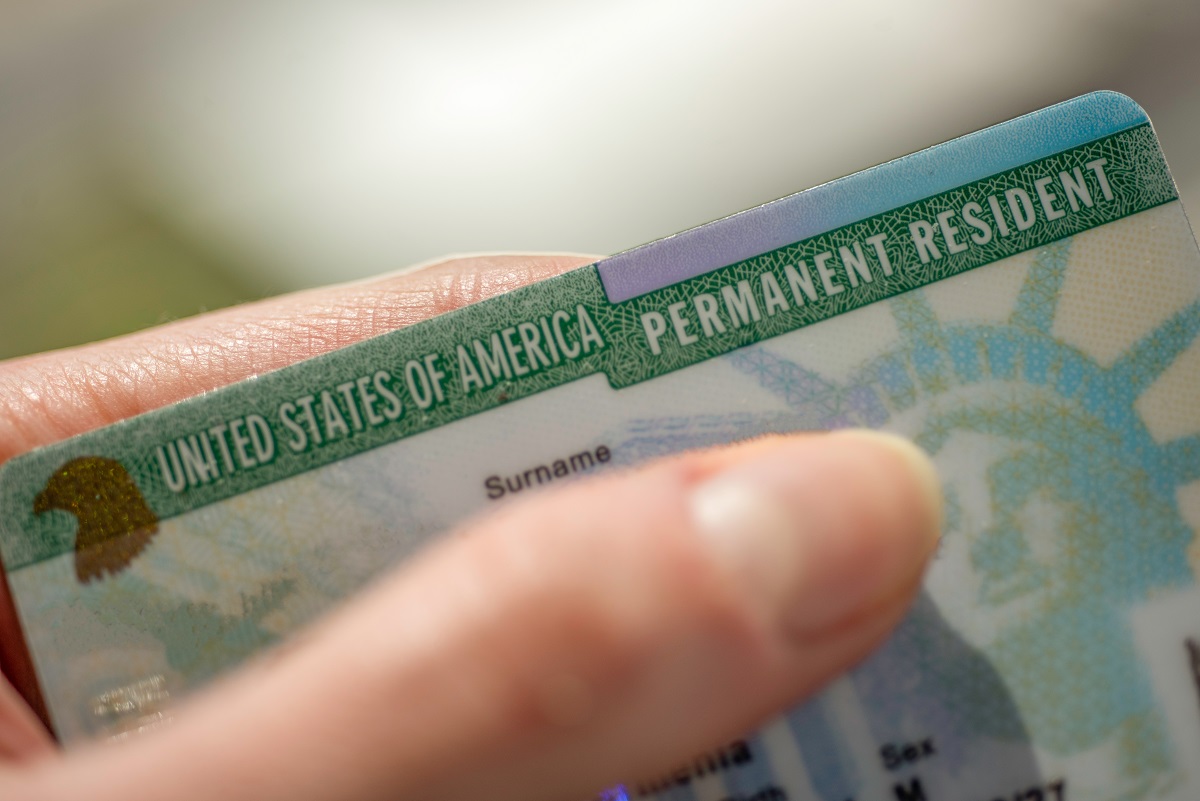
Marriage, divorce, adoption, and court orders all create legal name changes. When your name changes, your green card must reflect it. A green card name change is not automatic — you need to take specific steps to update your immigration records with U.S. Citizenship and Immigration Services (USCIS). The good news is that the process is manageable if you know what to do and when.
This guide walks you through the steps for updating your green card after a legal name change, correcting a USCIS error, and what to do if you're on the path to citizenship.


What You'll Learn
- Secure Your Legal Name Change Document First
- Which Form Do I Need for a Green Card Name Change?
- File Form I-90 to Update Your Green Card Name
- Use Form I-751 to Change Your Name When Removing Conditions
- What to Do If USCIS Made a Name Error on Your Green Card
- Update Your Name During the Naturalization Process
Secure Your Legal Name Change Document First
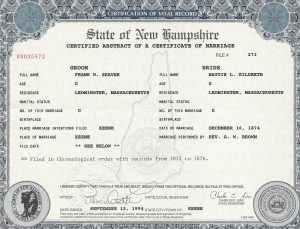
Before you can update your green card, you need official proof that your name legally changed. USCIS requires a registered copy of a name change document — not a photocopy. Acceptable documents include a marriage certificate, divorce decree, adoption decree, or court-issued name change order. Each must be registered with the appropriate civil authority.
In the United States, state laws govern name changes. Rules vary by state, but a name change is not limited to marriage or divorce. In most cases, you'll file paperwork at a local government office, pay a small fee, and in some states publish a notice in a local newspaper.
If you don't already have a certified copy of your name change document, request one now. You cannot move forward with USCIS until you have it in hand.

Which Form Do I Need for a Green Card Name Change?
The form you file depends on your situation. Use this table to find your path before you get started.
| Your Situation | Form to File | Fee Required? | Submit Original Card? |
|---|---|---|---|
| Name changed after marriage, divorce, or court order (10-year card) | Form I-90 | Yes | No |
| Name changed and you have a conditional (2-year) green card | Form I-751 | Yes | No |
| USCIS printed the wrong name on your green card | Form I-90 | No | Yes |
| Name changed before applying for naturalization | Form N-400 (include name change doc) | Yes | No |
| You want to change your name during naturalization | Form N-400 (request court name change) | No extra fee | No |
| Name changed after naturalization | Form N-565 | Yes | N/A |
File Form I-90 to Update Your Green Card Name
Once you have your legal name change document, you're ready to file Form I-90, Application to Replace Permanent Resident Card. USCIS uses this form to renew or replace a green card for any qualifying reason, including a name change.
When completing Form I-90, answer "Yes" when asked whether your name has legally changed since the issuance of your Permanent Resident Card. You'll then enter your new legal name. For the reason you are filing, select: "My name or other biographic information has been legally changed since issuance of my existing card."
USCIS will print your updated legal name on your new green card.
Some questions on Form I-90 can be confusing. CitizenPath's Green Card Renewal/Replacement Package walks you through each question step by step, helping you avoid the common mistakes that cause delays or denials. CitizenPath even guarantees USCIS approval.
Use Form I-751 to Change Your Name When Removing Conditions
If you got your green card through marriage and it's a conditional (2-year) card, you have another opportunity to update your name. USCIS issues conditional green cards to permanent residents whose marriage was less than two years old at the time status was granted. You must file Form I-751, Petition to Remove Conditions on Residence within the 90-day window before your card expires.
When you file Form I-751, use your current legal name — even if your card still shows a maiden name. Include your name change document as supporting evidence. USCIS will issue your 10-year permanent green card in your updated legal name.
This approach lets you accomplish two things at once: remove conditions on green card status and update your name in a single filing.
What to Do If USCIS Made a Name Error on Your Green Card
Sometimes the name on a green card is wrong because USCIS made a data entry error — not because of anything you did. This happens, and there is a process to correct it.
USCIS requires you to file Form I-90 and select: "My existing card has incorrect data because of Department of Homeland Security (DHS) error." There is no filing fee and no biometrics fee for this type of correction. However, USCIS requires you to submit your original green card — not a copy — along with proof of your correct name, such as a birth certificate, passport, or court order.
Submitting your original card means you will be without a green card while USCIS processes the replacement. To bridge that gap, you can get an I-551 stamp in your passport as temporary proof of permanent resident status. Once you receive your Form I-797C receipt notice, schedule an appointment at your local USCIS field office to obtain the stamp.

Understand Which Name to Use on USCIS Forms in the Meantime
While you're waiting for your new green card, you may need to file other USCIS forms. This raises a practical question: which name do you use?
As a general rule, you may continue using your new legal name. However, you may need to submit another copy of your name change document with the green card to establish your identification. CitizenPath's guide on which name to use on USCIS forms breaks this down clearly for each scenario.
Update Your Name During the Naturalization Process
If you're a permanent resident who is eligible for citizenship, you don't have to update your green card first. USCIS allows you to change your name during the naturalization process in two ways.
Before Filing Form N-400
If your name has already changed legally, include your name change document when you submit Form N-400, Application for Naturalization. USCIS will use your updated name on your Certificate of Naturalization.
During the Naturalization Process
Permanent residents who apply for citizenship can request a court-ordered name change as part of naturalization. USCIS forwards a name change petition to federal court. There is no additional cost. The name change becomes final when the federal court naturalizes the applicant — and your Certificate of Naturalization will reflect your new name.
After Naturalization
If you change your name after becoming a citizen, file Form N-565, Application to Replace Citizenship Document to get an updated Certificate of Naturalization. Include your legal name change document as evidence.
What Happens to Your Other Documents After a Green Card Name Change?
Updating your green card is step one. Once you receive your new card, you'll want to update your other records as well. Common documents to update include:
- Social Security card — Visit the Social Security Administration (SSA) with your new green card and name change document to request an updated card.
- State driver's license or ID — Contact your state DMV. Requirements vary but typically include your green card and name change document.
- Passport — If you hold a foreign passport, contact your home country's consulate. If you've naturalized, apply for a U.S. passport using your Certificate of Naturalization.
- Bank accounts and employer records — Update these after your government IDs reflect your new name to avoid verification mismatches.
USCIS advises that your immigration documents, your SSA records, and your state-issued ID should all match. Inconsistencies between records can create delays in future immigration filings or employment verification.
Frequently Asked Questions About Green Card Name Change
How CitizenPath Helps with Your Green Card Name Change
Ready to update your immigration documents? CitizenPath provides step-by-step guidance and a 100% USCIS approval guarantee for every stage of the process.
Want more immigration tips and how-to information for your family?
Sign up for CitizenPath’s FREE immigration newsletter and
SAVE 10%
on our immigration services