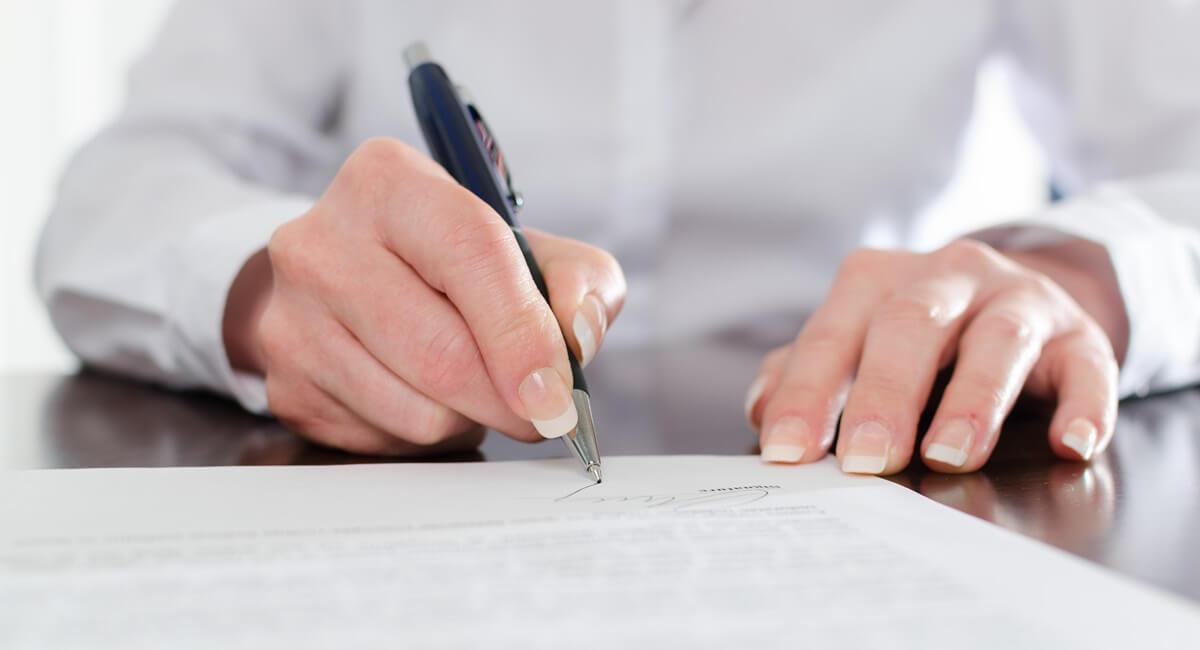
Signing your immigration form may seem like the easy part. But missing or invalid signatures are one of the most common reasons USCIS rejects applications — and a new 2026 rule makes the stakes even higher. This guide explains exactly what USCIS requires, who is allowed to sign, and what changed that every applicant should know before submitting.


What Counts as a Valid Signature for USCIS
U.S. Citizenship and Immigration Services (USCIS) defines a valid signature as any handwritten mark made by a person who:
- Has reviewed the content of the application and any supporting documents
- Approves the information contained in those documents
- Certifies under penalty of perjury that everything is true and correct
A valid signature does not need to be legible or written in English. It can be abbreviated, as long as it is consistent with how the person normally signs their name. It does not need to be in cursive. A simple "X" or similar mark is acceptable.
USCIS also accepts a scanned, photocopied, or faxed version of an original hand-signed document. The copy must come from a document that was originally signed by hand — but USCIS does not require a "wet ink" original to be mailed unless the form instructions say otherwise.
What is not acceptable: signatures typed on a keyboard, stamped, generated by software, or signed by an attorney on behalf of the applicant.
Acceptable signatures include:
- Handwritten mark or "X" in ink
- Abbreviated signature, if that is the person's normal signature
- Fingerprint (if the person is unable to write)
- Signature by a parent or legal guardian for a child under 14
- Signature by a legal guardian or person with valid power of attorney for an incapacitated adult
- A scanned or photocopied version of an original hand-signed document
- Electronic signature on forms specifically designed for electronic filing
Signatures that USCIS will not accept:
- Typed name on the signature line
- Signature created by a stamp, auto-pen, or signature software
- Attorney signing on behalf of the applicant or the applicant's child
- A digital signature image copied and pasted from another document

Why a Valid Signature Is So Important
USCIS will automatically reject any form that is missing a required signature. The application comes back to you unsigned, and your place in line is lost. You have to start over.
However, a missing or invalid signature is not just a rejection risk at intake — it can now lead to a full denial even after USCIS has started processing your case.
Important: New USCIS Signature Requirements for 2026 A DHS interim final rule now allows USCIS to deny — not just reject — any filing with an invalid signature, even after your case has been accepted. If denied, you may lose your filing fee and need to start over. This applies to all filings submitted on or after July 10, 2026.
New USCIS Signature Rule Takes Effect July 10, 2026
This is a critical update for anyone filing on or after July 10, 2026.
The U.S. Department of Homeland Security (DHS) published an interim final rule in the Federal Register on May 11, 2026, that significantly changes how USCIS handles applications with signature problems. Under the new regulation, USCIS may:
- Reject a filing at intake if it lacks a valid signature, or
- Deny the filing after it has been accepted and processed — if the signature is later found to be invalid
If USCIS denies a filing based on an invalid signature, the agency may keep the filing fees and treat the case as fully adjudicated. That means you may lose hundreds of dollars in government fees and need to refile entirely.
According to DHS, they issued the rule to address increasing cases of fraudulent or questionable signatures and to standardize how officers enforce signature requirements. The rule also codifies USCIS policy that has existed since 2018.
Examples of signatures that may trigger a denial under the new rule:
- A signature image copied and pasted from another form
- A signature generated by software or auto-sign tools
- A stamped signature
- A signature applied by someone who was not authorized to sign
This matters especially for employers and HR departments that use digital document workflows for immigration filings. If your process relies on signature software or automated tools, it should be reviewed before filing.
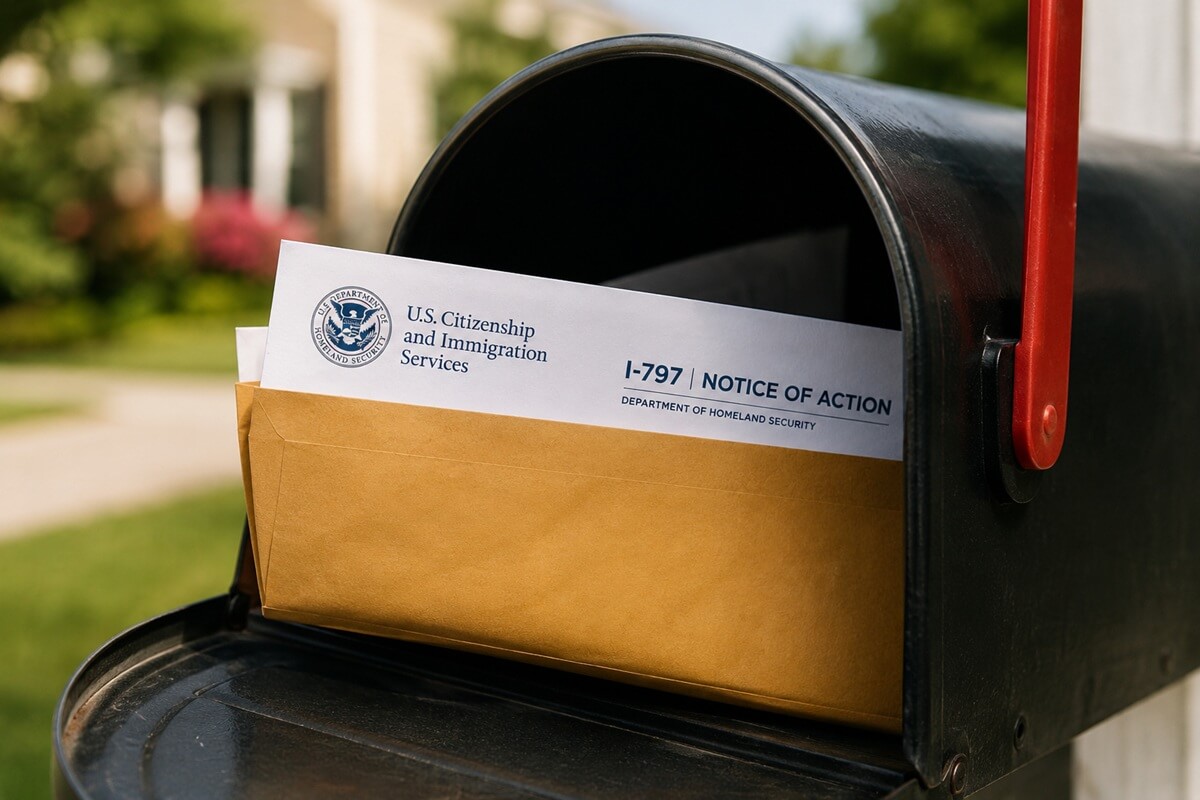
The bottom line: a receipt notice from USCIS no longer means signature issues are resolved. USCIS can revisit signature validity during adjudication.
Who May Sign USCIS Forms
Generally, the person applying for the immigration benefit is the one who must sign. However, there are situations where a parent, legal guardian, or person with power of attorney may sign instead.
Parents
A parent may sign on behalf of a child who is under 14 years of age. Children 14 years of age or older must sign on their own behalf. It is also appropropriate for the parent to sign as the preparer if the parent is the person who prepared the form.
If signing for a child under 14 years of age, sign the child’s name, then write “By” and sign your name. The parent must submit a birth certificate or adoption decree with the principal form to establish the parent-child relationship.
Legal Guardian
A legal guardian may sign on behalf of a child under 14 or an incapacitated adult — including someone with a severe cognitive or developmental disability. A court or authorized public authority must officially appoint the legal guardian. USCIS will not accept a guardian's signature based solely on a personal or family relationship.
USCIS requires supporting documentation before accepting a guardian's signature, such as official letters of guardianship or a court order. When signing, write the requestor's name first, then write "By" and sign your own name.
Power of Attorney (POA)
If an applicant is mentally competent but physically unable to write well, they should still sign the form themselves. Any mark they consider a signature is legally sufficient — no matter how it looks. The person who prepared the form and witnessed the signature should include a cover letter explaining the applicant's limitations.
Physically Incapacitated Applicants
USCIS accepts a durable power of attorney (POA) only for incapacitated adults. A POA is a written document that gives one person legal authority to act on another person's behalf. A durable POA is one signed in advance, while the person is still competent, to take effect if they later become incapacitated.
To use a POA, you must submit a copy of the document and evidence that it has taken effect — typically a physician's statement. The POA must comply with the state law where it was executed.
When signing under a POA, write the applicant's name, then "By," and then your own signature. Work with an experienced attorney to avoid any potential issues with the USCIS signature requirements.
Authorized Signers for Employers and Legal Entities
Corporations, LLCs, partnerships, and other legal entities can file immigration petitions for employees. Only authorized individuals may sign on the entity's behalf. This includes executive officers, managing partners, HR personnel with signing authority, attorneys employed by the company, and other employees who have legal authority to bind the entity.
The signer must affirm that they have authority to file, that the employer is aware of the facts, and that all statements are true. USCIS may request supporting evidence of the signer's authority, such as bylaws, board minutes, or a delegation letter.
For questions about authorization in employment-based filings, review the USCIS Policy Manual or consult a qualified immigration attorney.
Frequently Asked Questions About USCIS Signature Requirements
Get It Right the First Time
Ready to file with confidence? CitizenPath's step-by-step guidance helps you prepare your immigration forms accurately — and we back every application with a 100% money-back guarantee. Learn about CitizenPath and see how it works →
Want more immigration tips and how-to information for your family?
Sign up for CitizenPath’s FREE immigration newsletter and
SAVE 10%
on our immigration services